PDF markup · takeoff · submittals · for Windows

Built for the people
who build.

IronMark is the construction PDF tool that does the job Bluebeam does — markups, stamps, takeoffs to Excel, revision compare and submittal paperwork — for a one-time $99. No subscription. No seat fees every year.

Windows 10 and 11 · your drawings stay on your PC
10 things you didn't know it does

Less clicking. More building.

Everything a PM, estimator or field engineer does with a drawing set, with the busywork taken out.
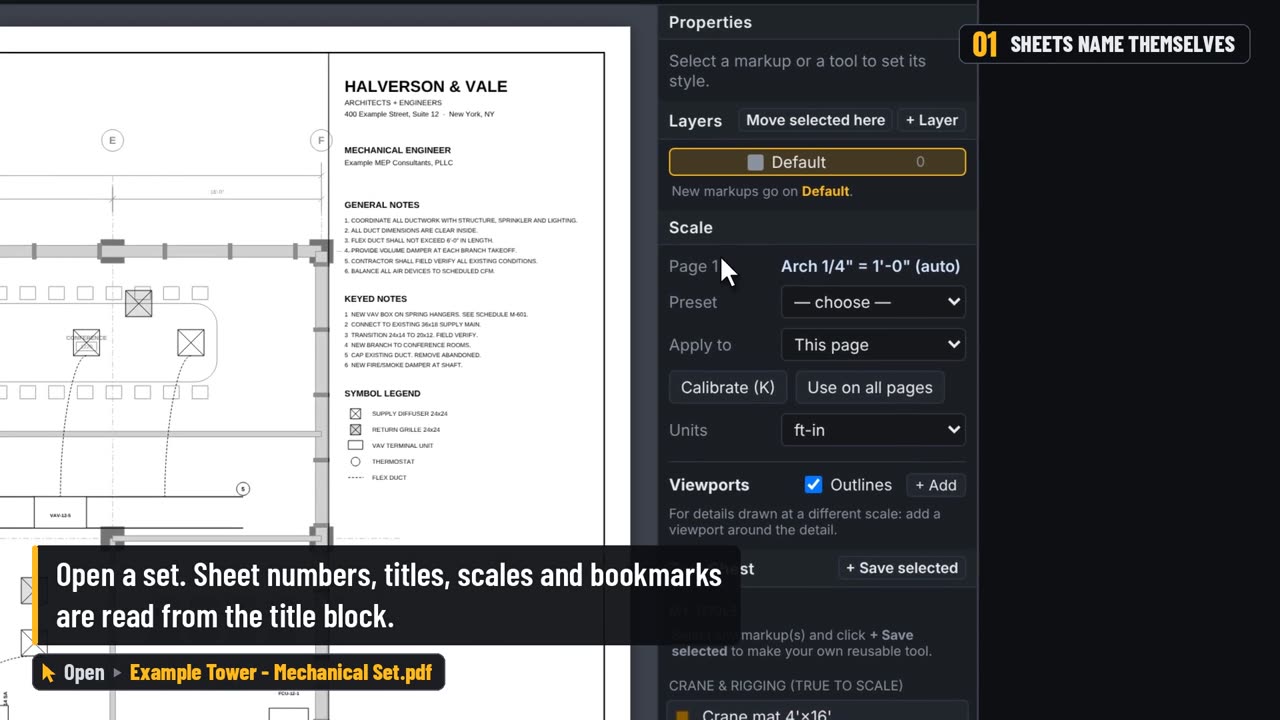
Sheet names read from the title block

01Sheets name themselves

Open a set and IronMark reads every title block: sheet numbers, titles, scales and bookmarks, without typing.
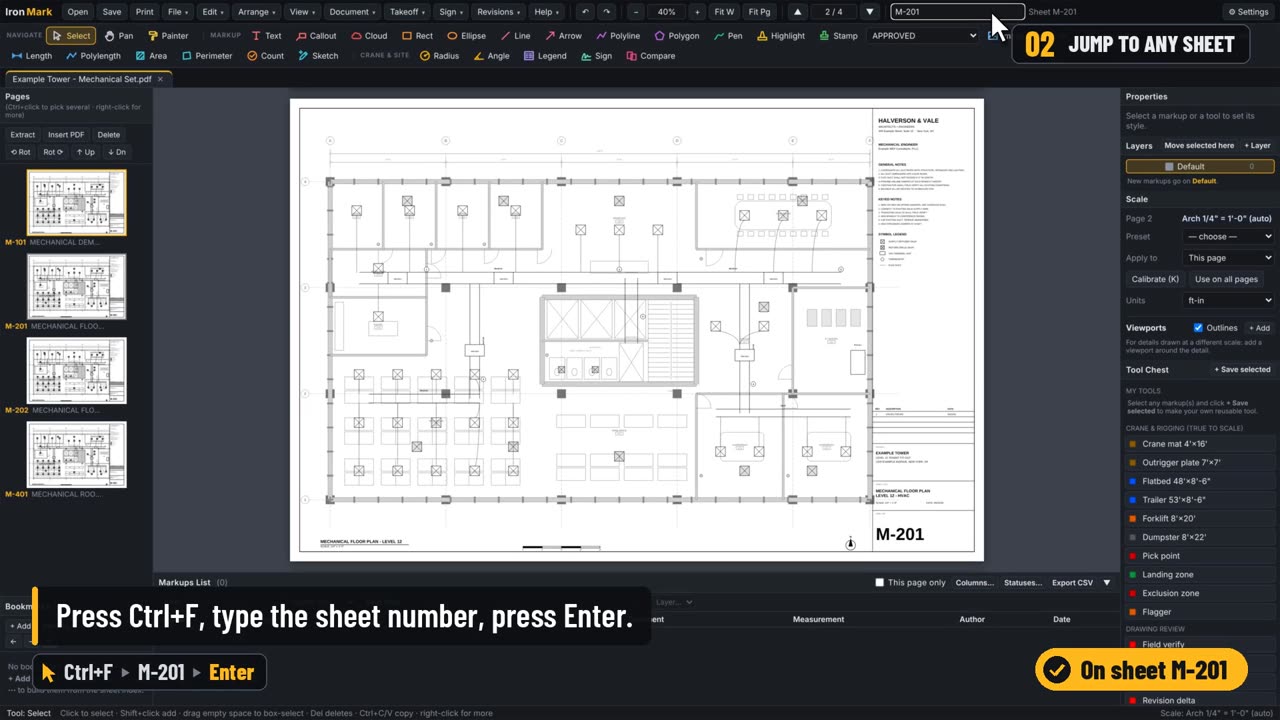
Jump to a sheet by number

02Jump to any sheet

Ctrl+F, type M-201, Enter. You're there.
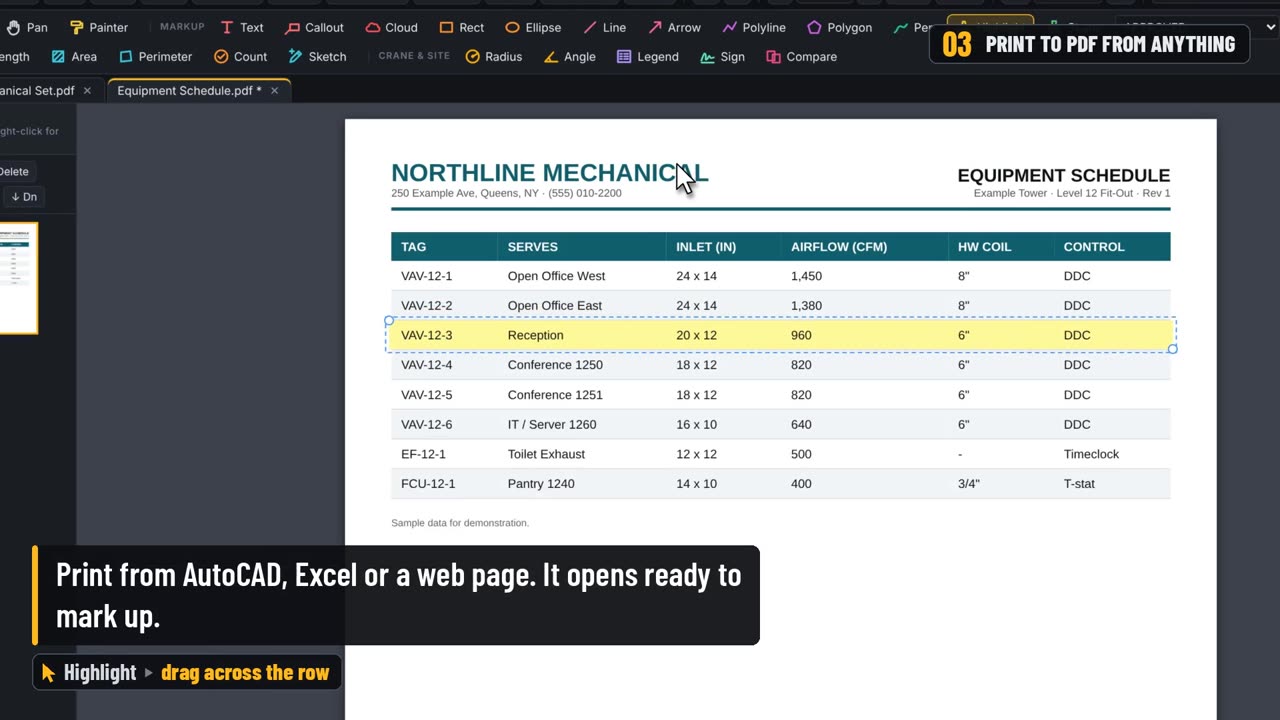
Print to PDF from any program

03Print to PDF from anything

Print from AutoCAD, Excel or a web page to the IronMark PDF printer and it opens ready to mark up.
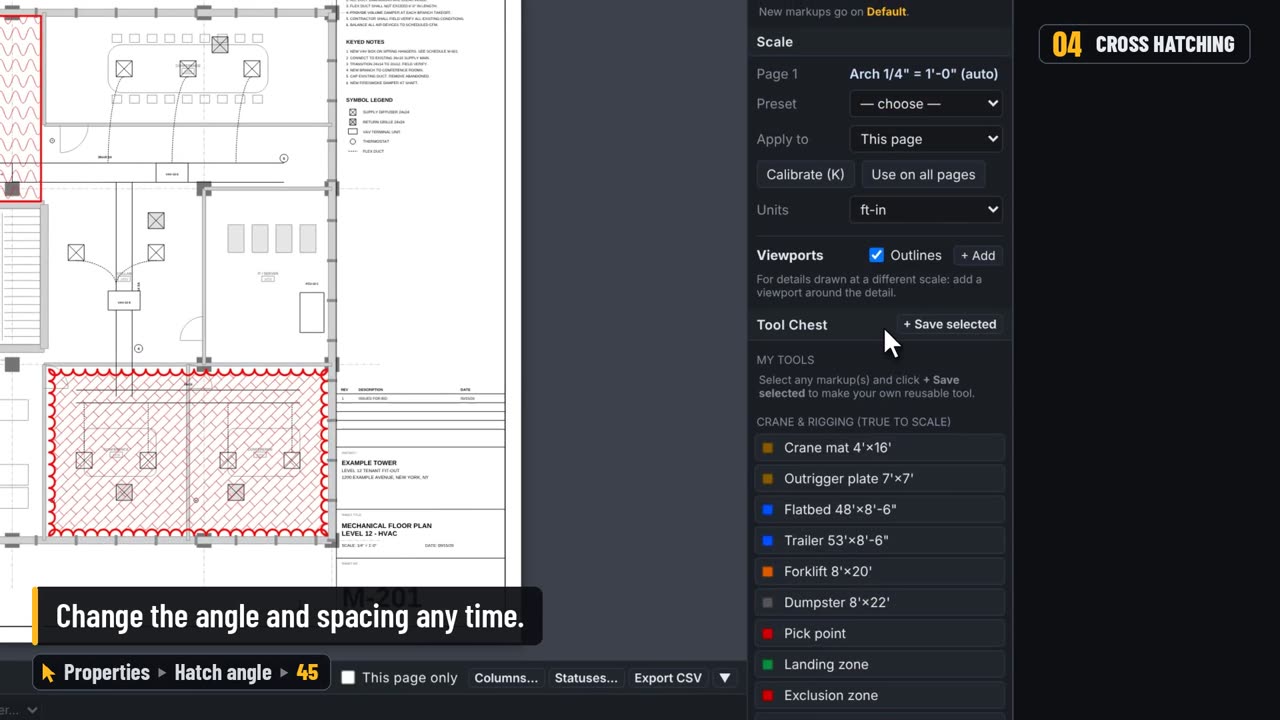
Cross hatching

04Cross hatching

Concrete, insulation, brick, earth and line hatches on any closed shape, at any angle and color.
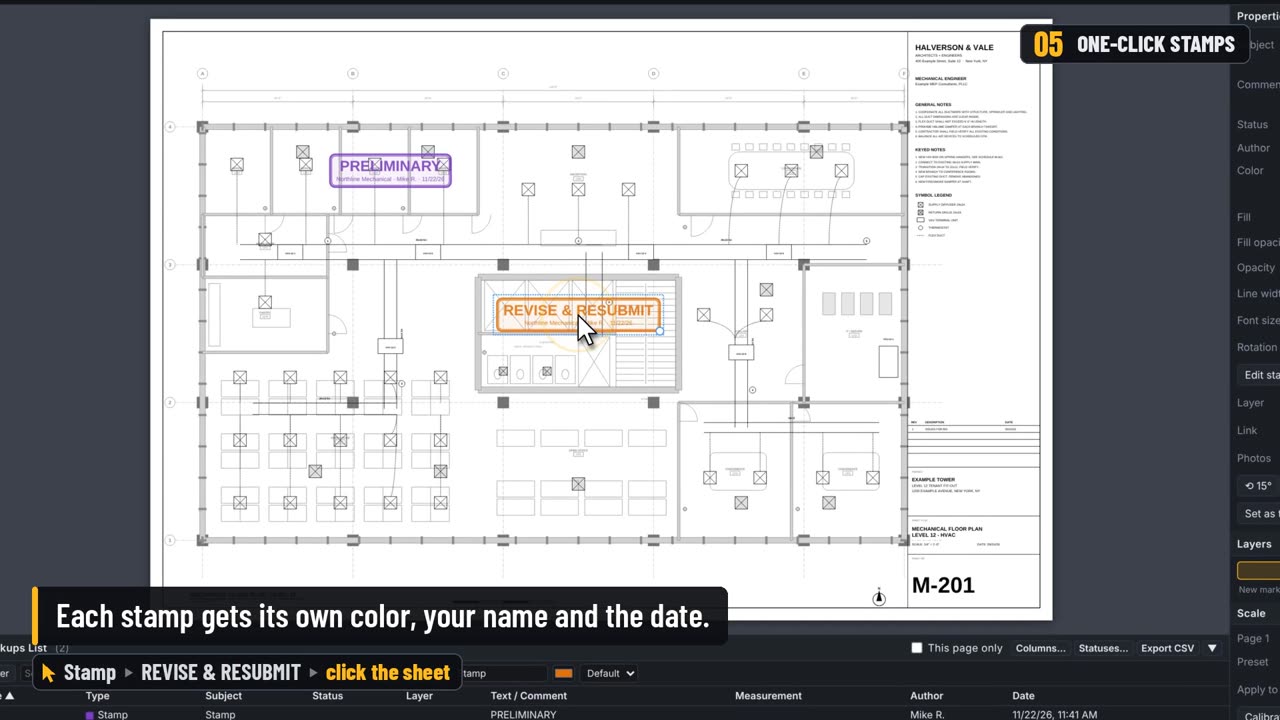
Color-coded stamps

05One-click stamps

Approved, Approved as Noted, Revise & Resubmit, Rejected, Preliminary — color coded, with your name and date. Size them as big as you want.
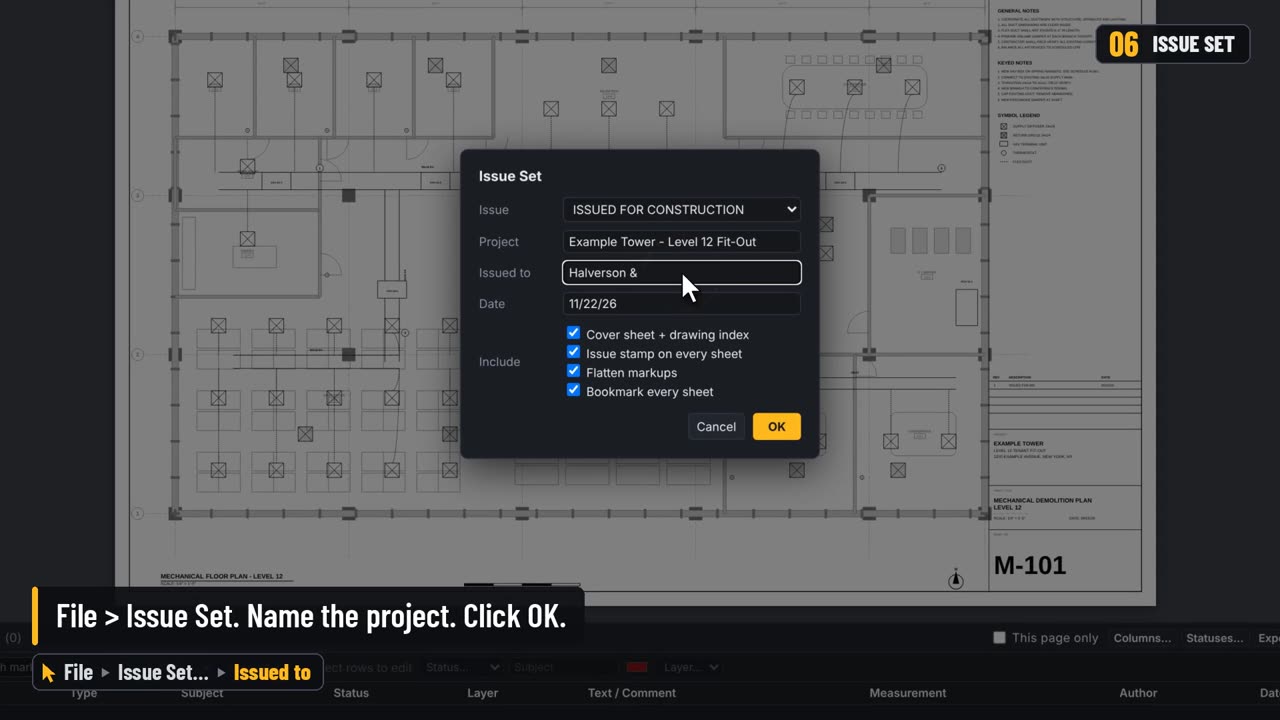
Issue Set

06Issue Set

Cover sheet, drawing index and an issue stamp on every sheet, in one click.
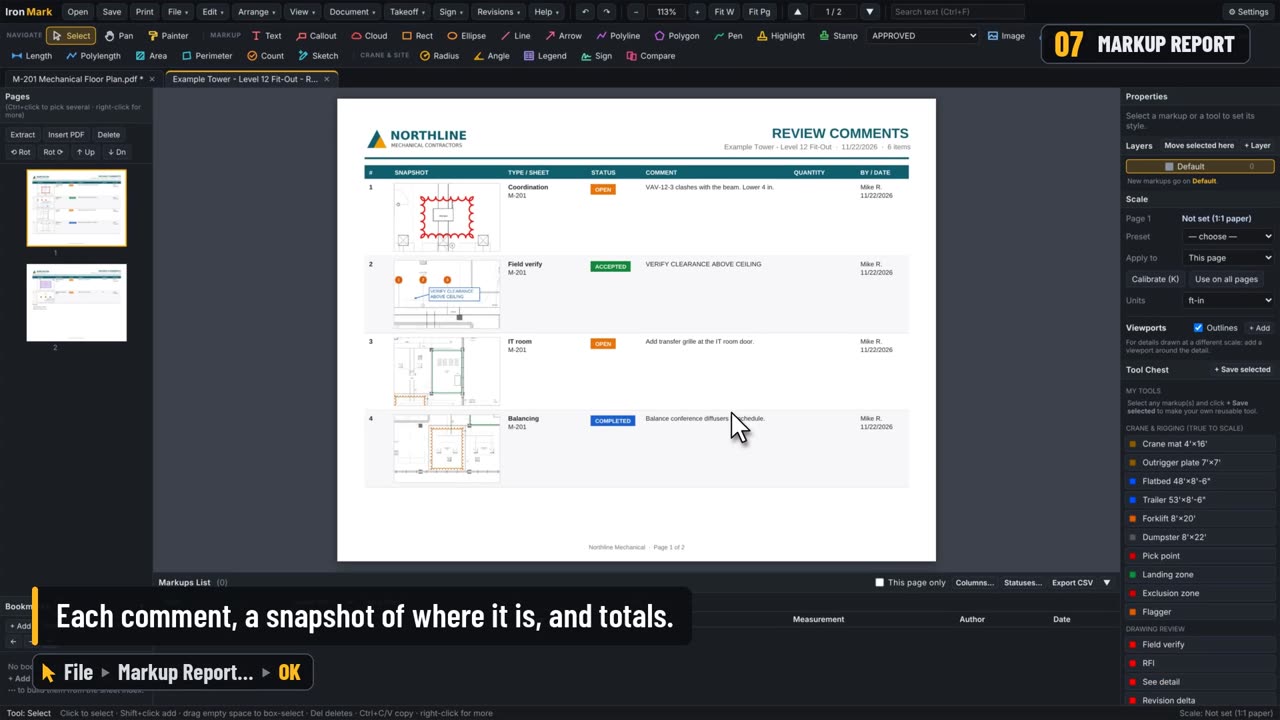
Markup report

07Markup Report

Every comment with a snapshot of where it is on the drawing, ready to send to the GC.
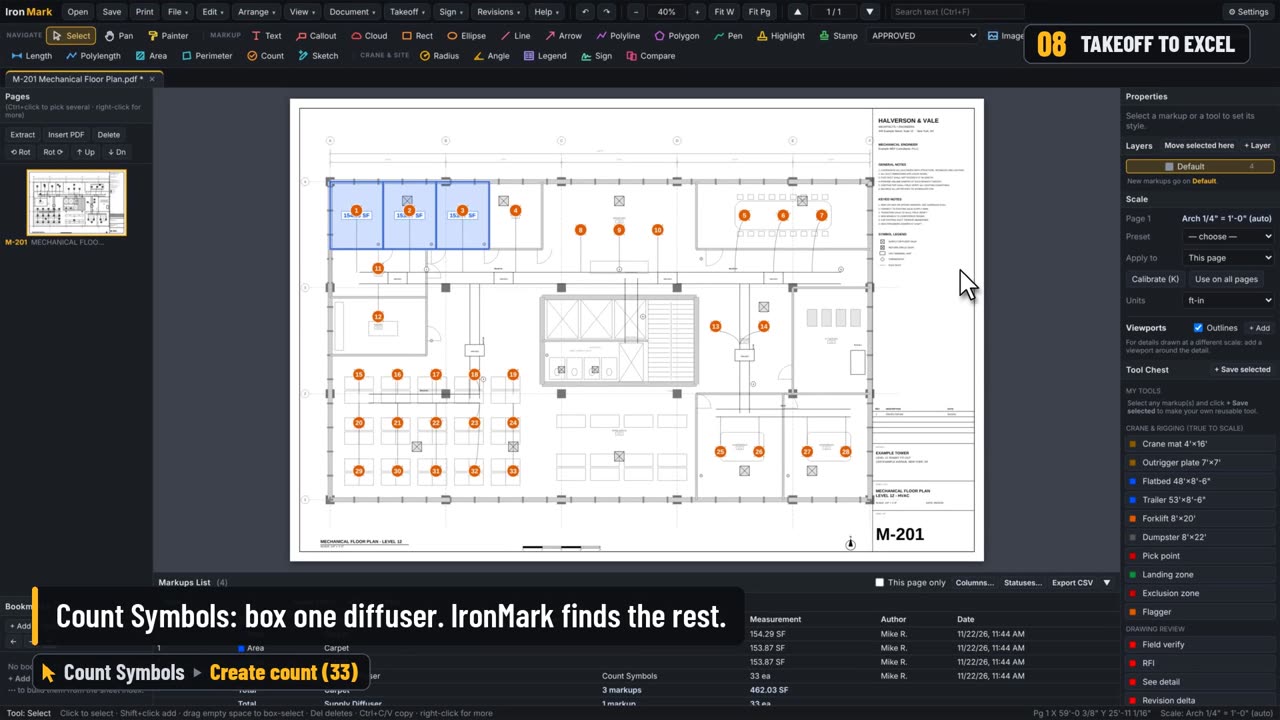
Duct takeoff by size on a mechanical floor plan

08Duct & pipe takeoff

Save each duct or pipe size as a takeoff item, click along the runs, and export linear feet by size, with waste, to Excel.
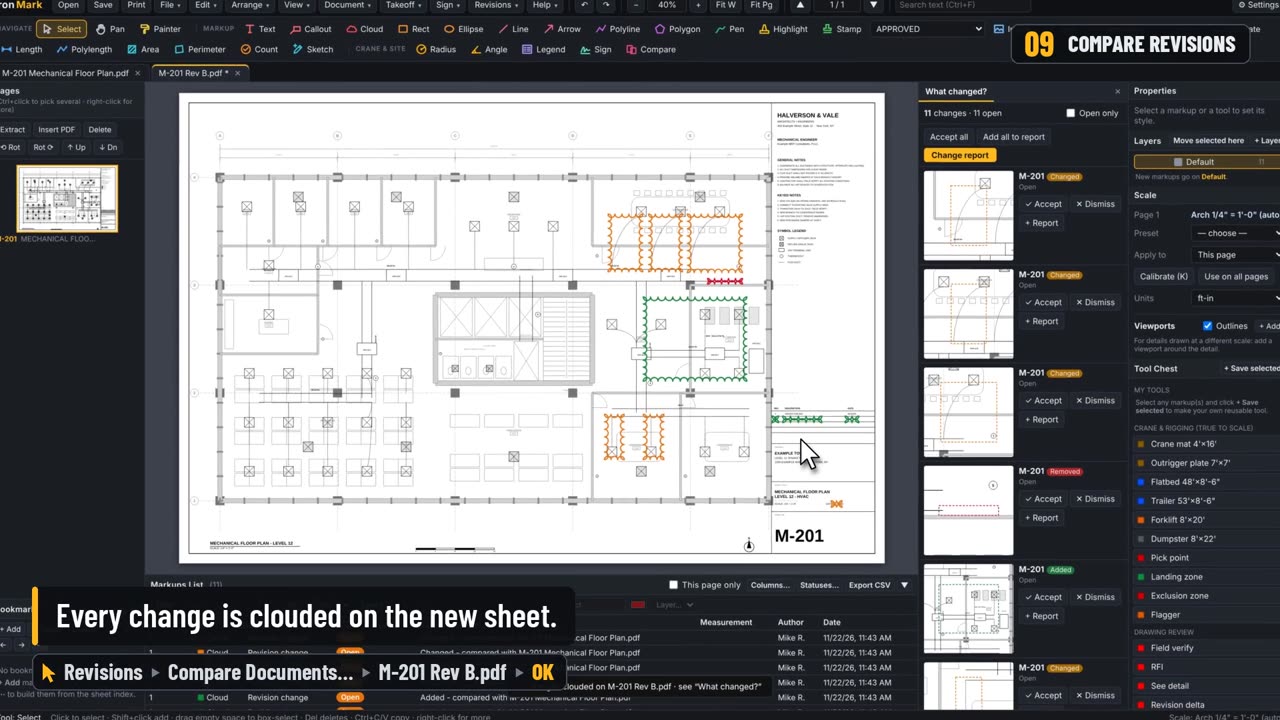
Compare revisions

09Compare revisions

Rev A against Rev B: every change gets clouded and listed, even when the sheet was re-plotted at another scale.
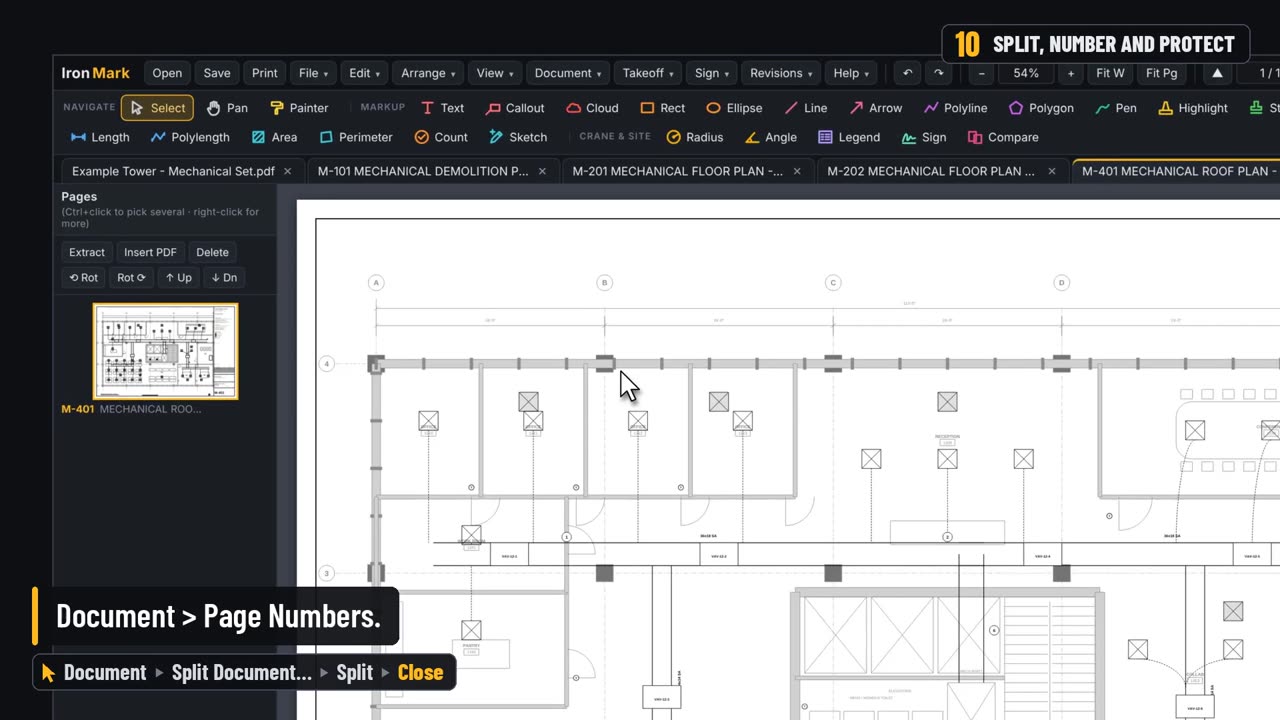
Split, number and protect

10Split, number, protect

One file per sheet, page and Bates numbers, and password protection with AES-256.

File → New

Look official in five minutes.

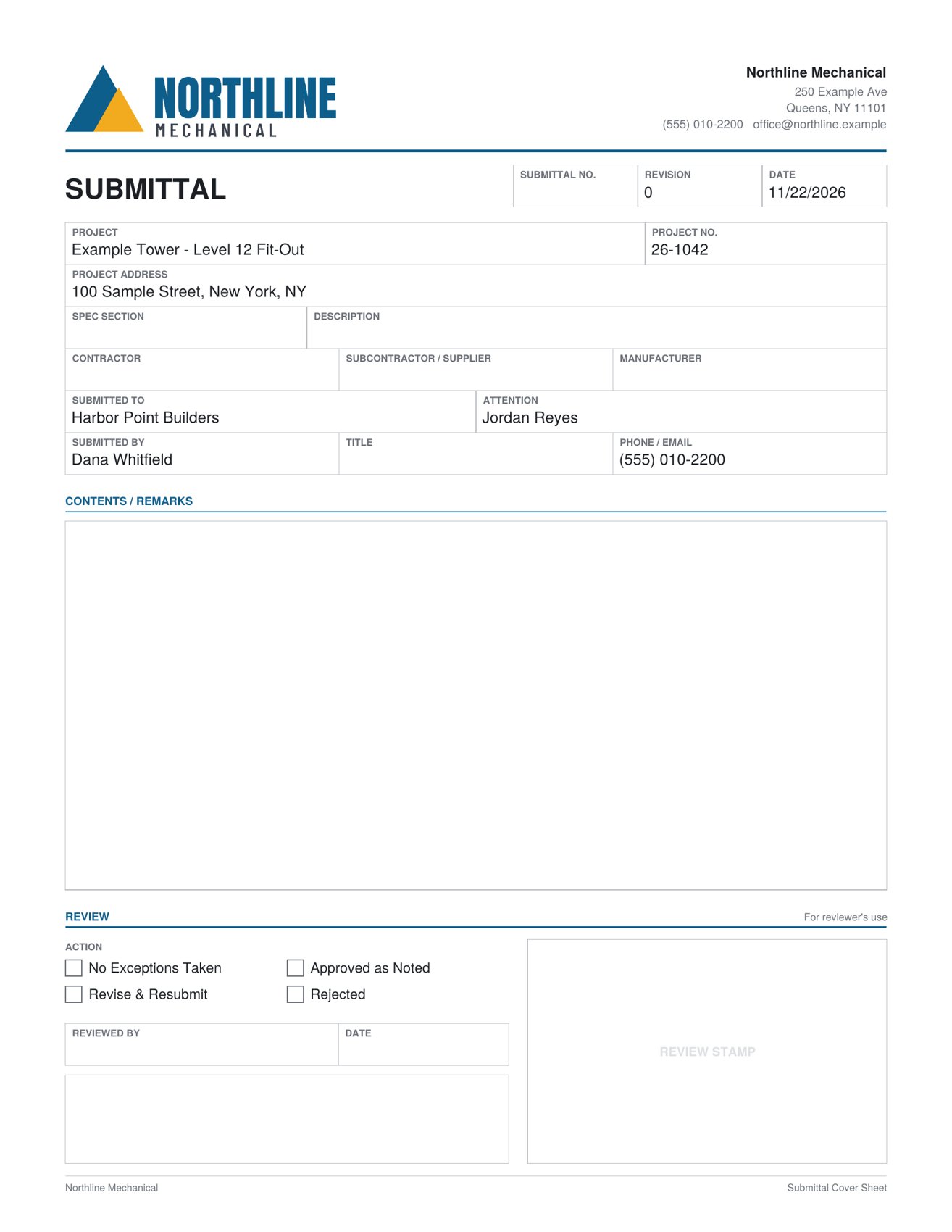
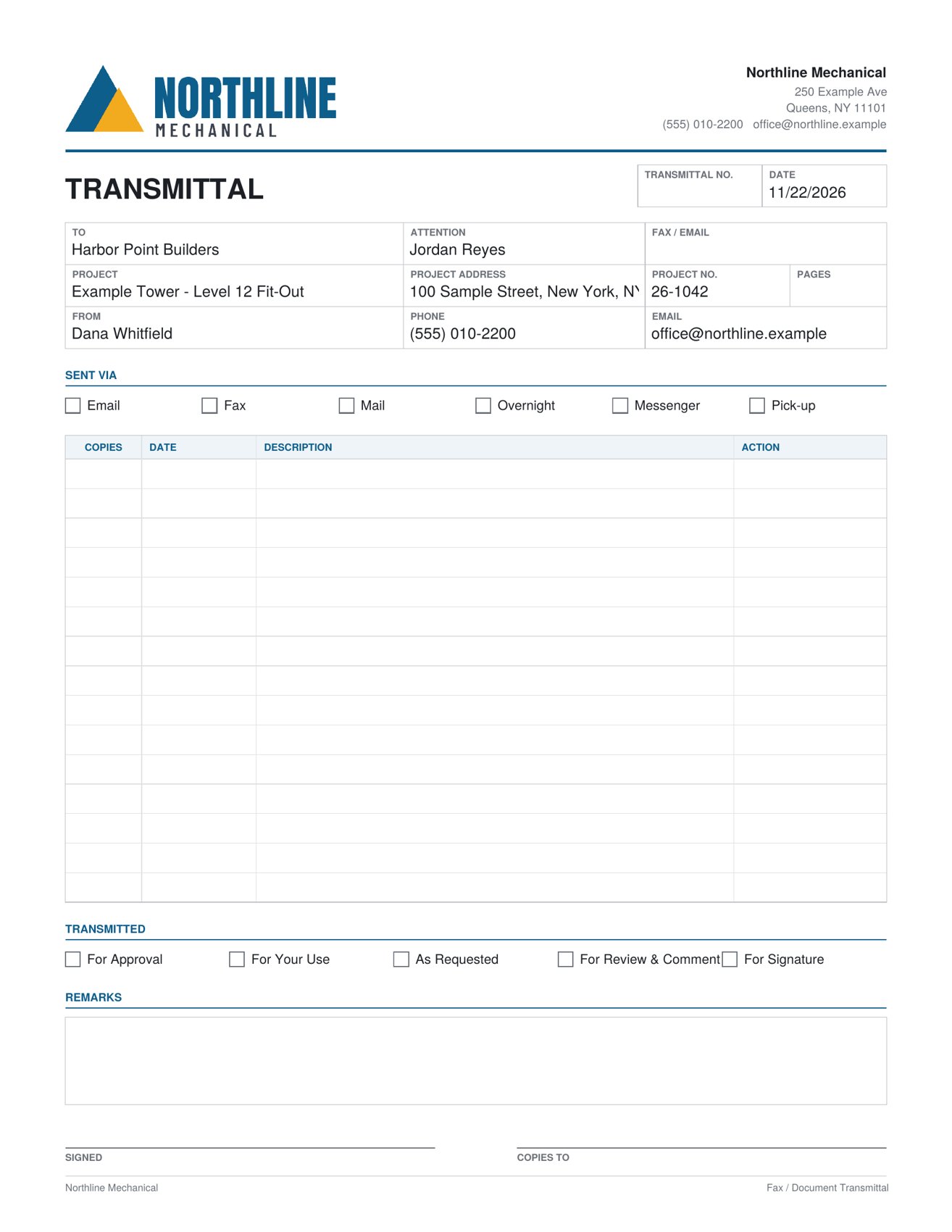
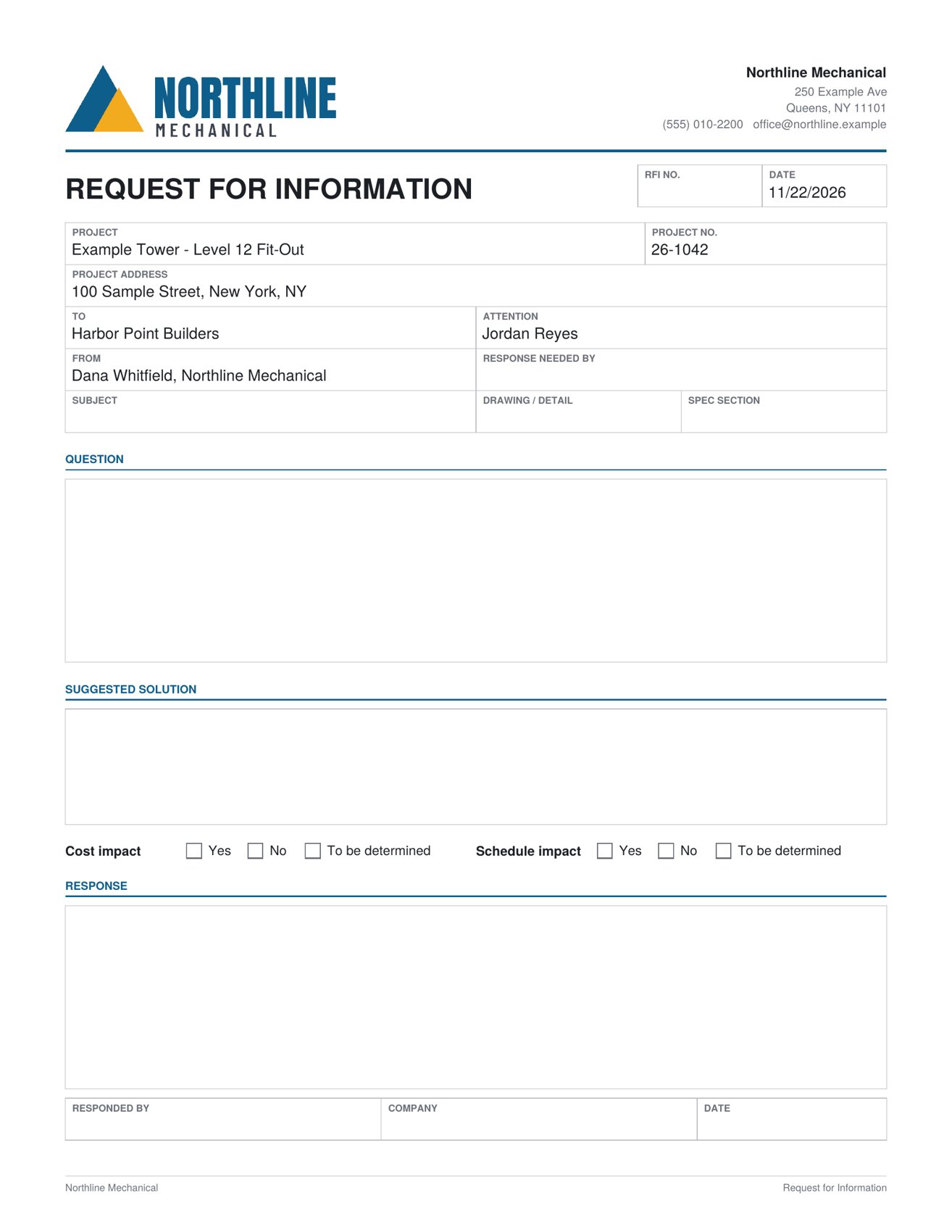
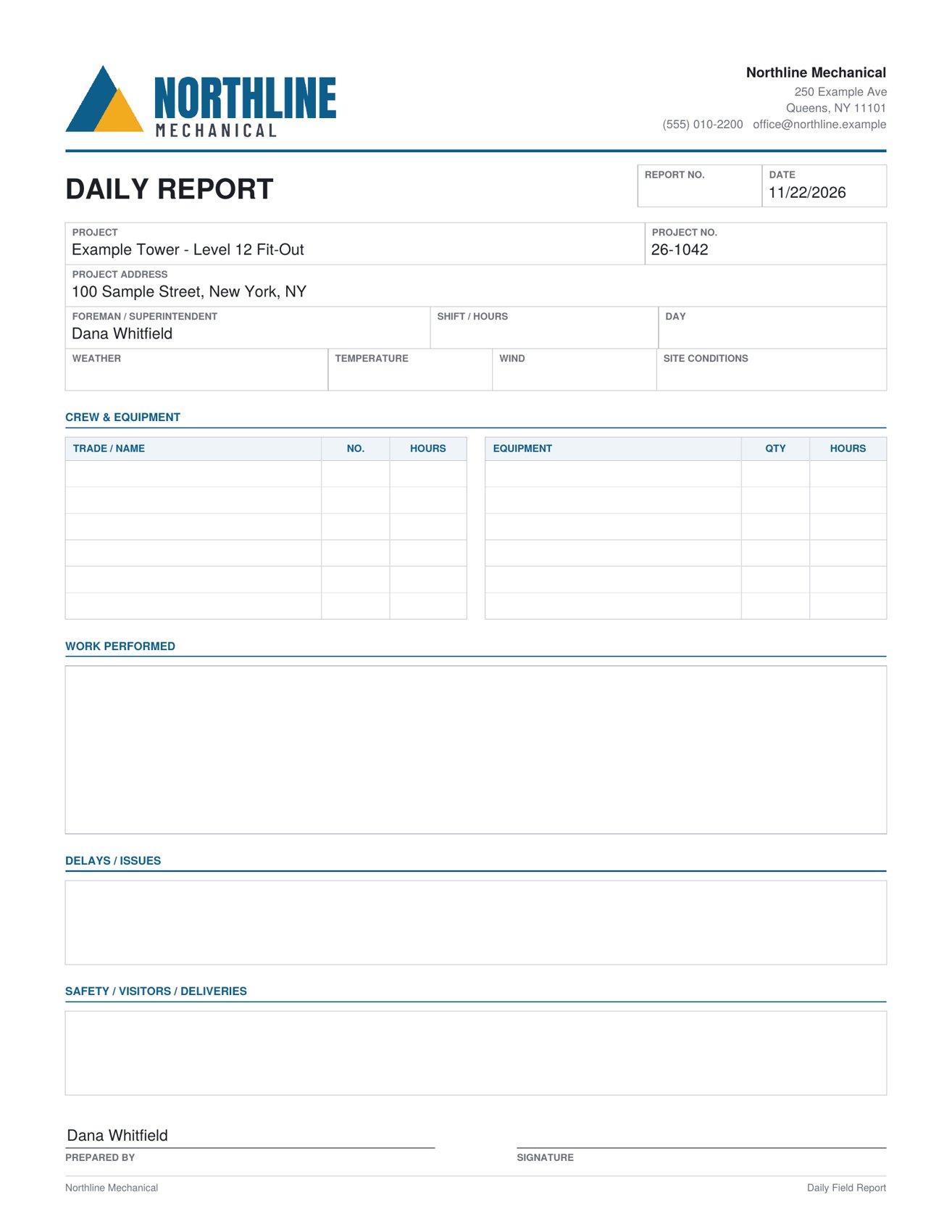
Drop in your logo once. Every submittal cover, RFI, transmittal, daily report and title block sheet comes out branded, from 8.5×11 up to 24×36, with fill-in boxes.

Submittal cover sheet template with company logo
Submittal cover sheet
Document transmittal template
Transmittal
RFI template
RFI
Daily report template
Daily report
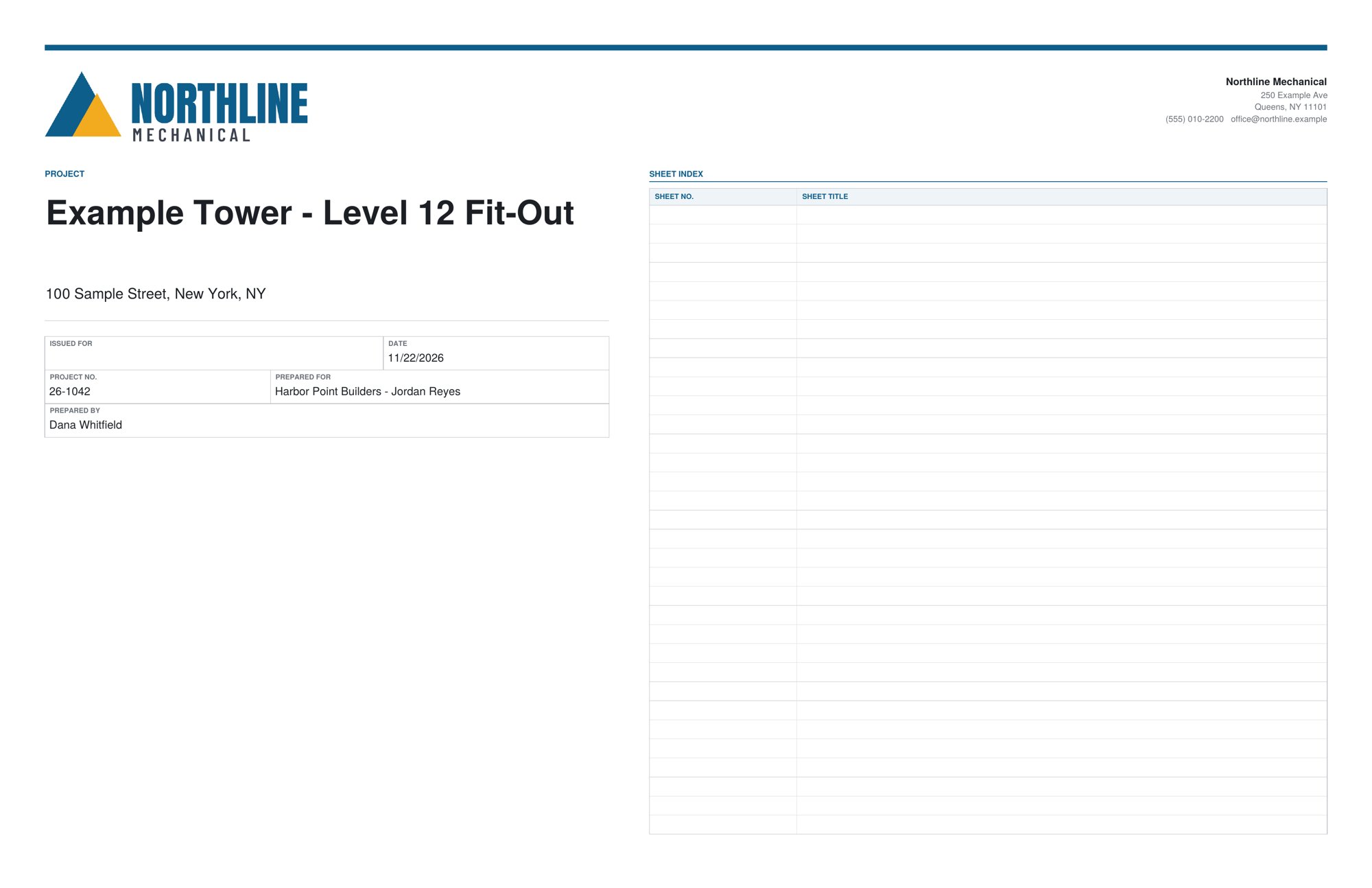
Project cover sheet with sheet index
Project cover sheet with sheet index (11×17)
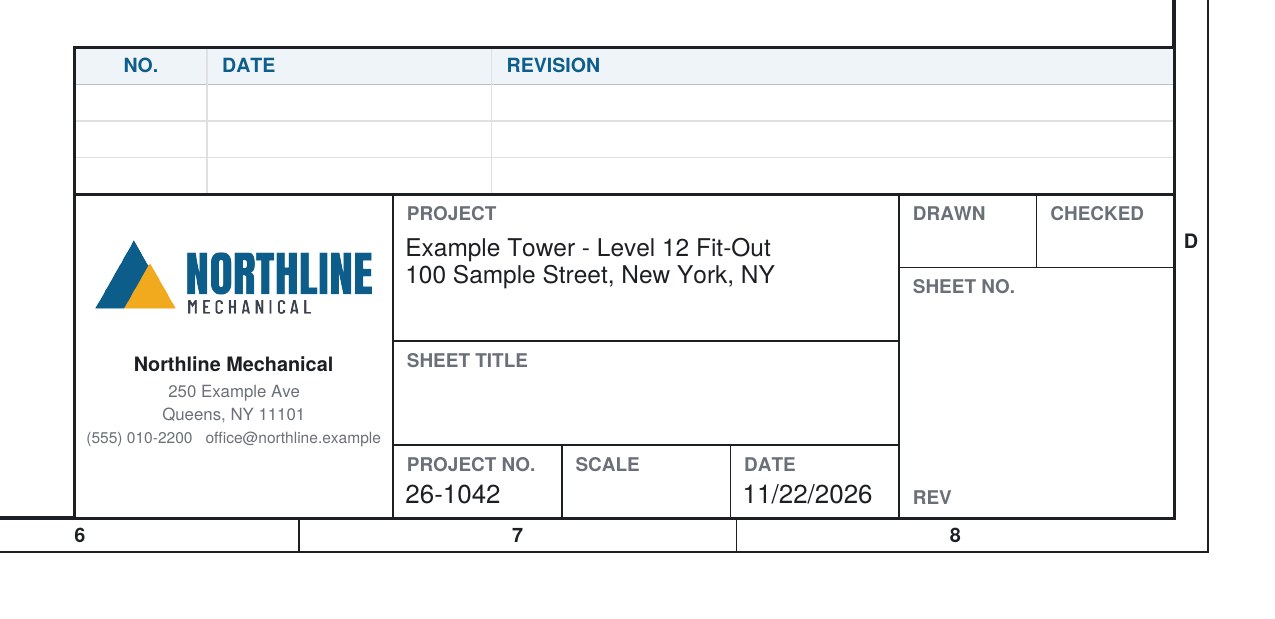
Drawing title block with logo and revision table
Title block with your logo and revision table

Samples shown for a fictional company. Your logo, address and phone fill in automatically.

Pricing

Pay once. Own it.

Bluebeam Revu
$260–$590
per user, every year
  • Subscription only
  • Pay again every renewal
  • Takeoff and batch tools on the higher plans
Bluebeam's published plans, Basics $260 to Max $590 per user billed annually, as of Nov 2026 (bluebeam.com/solutions/compare). Bluebeam is a trademark of its owner.
IronMark
$99
one time, per user
  • Every feature on this page
  • A year of updates included
  • Works on 2 computers
  • 30-day free trial, no card needed
  • 30-day money-back guarantee
  • Keeps working forever, no subscription
Start free trialBuy — $99
FAQ

Questions

What do I need to run it?

A Windows 10 or Windows 11 PC. The installer is about 90 MB.

How does the free trial work?

Download and use every feature for 30 days. No card needed. After 30 days IronMark still opens, views and prints PDFs; buy a license to keep marking up, measuring and saving.

How do I get my license key?

Right after you pay, the key is shown on screen and emailed to you. In IronMark go to Help > Enter License Key and paste it. If you click Buy inside IronMark, it unlocks by itself.

Can I get a refund?

Yes. Ask within 30 days of purchase for a full refund. See the refund policy.

Do my drawings get uploaded anywhere?

No. IronMark works on files on your PC. It only checks your license and looks for updates.

Will my markups open in Bluebeam or Adobe?

Yes. IronMark saves standard PDF markups, so other PDF readers see them. Opened again in IronMark, they stay fully editable.

Are measurements and takeoffs exact?

They're as accurate as the drawing's scale and your calibration. Always check critical dimensions against the drawings before you build or order.

Can my whole team use it?

Each license is for one person on up to two computers. Contact us for 5-seat and company packs.

Try it on your next set.

30 days free. Every feature. No card.

Version 1.3.5 · Windows 10 / 11 · 90 MB